









FAQs
What is the best MacBook to buy?
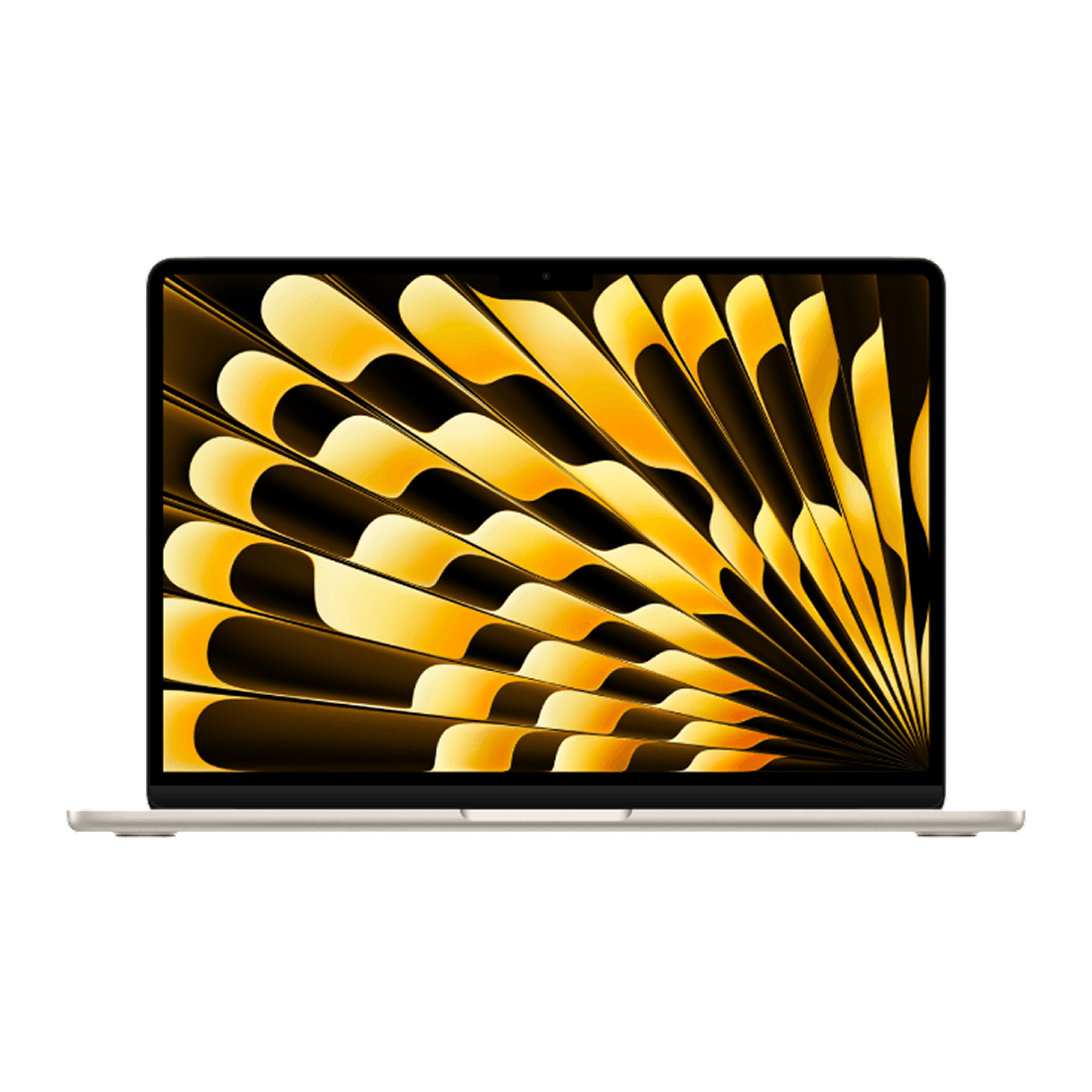
Choosing the best MacBook to buy comes down to finding one that balances performance and portability. For most users, a MacBook Air offers excellent performance for personal use and for students working on assignments. They are easy to carry in a student backpack between classes. For more intense tasks like video editing, photo editing, software programming or data analysis, a MacBook Pro is better suited for the job with its added computing power. The M5 chip is the latest processor from Apple and is optimized for using Apple Intelligence’s AI features. For more budget-friendly needs, consider the new MacBook Neo that delivers reliable performance for personal use.
Which one is better, a MacBook Air or MacBook Pro?
If you’re choosing between a MacBook Air and a MacBook Pro, think about how you plan to use your laptop. The MacBook Air is lighter and thinner than the MacBook Pro, making it easier to carry around. It has enough power to handle everyday tasks like browsing the internet, streaming movies, editing documents and taking video calls. It’s a good option for students, professionals and people who travel a lot for work. The MacBook Pro has a better display and has more computing power than the MacBook Air. It has active fans to help handle more complicated tasks, more ports (HDMI, SD card) to connect to devices and a longer battery life. It’s designed for people such as video editors, software developers or anyone that has a more demanding workload.
What is the MacBook Neo?
The MacBook Neo is Apple’s first budget-focused laptop. It comes equipped with features like the A18 Pro chip, 8GB RAM, a 13-inch Liquid Retina display, 1080p camera and 16-hour battery life. The A18 Pro chip delivers the performance and AI capabilities needed to stay productive throughout the day. The Neo is a more affordable option for students and casual users who want a MacBook. You can choose between four different colours: Indigo, Blush, Citrus and Silver. If you want to grow your lineup of Apple devices, check out our selection of iPad, iMac, iPhone and Apple Watch models.
Can a MacBook get viruses?
Yes, a MacBook can get viruses. While MacBook models have strong security features with macOS, they can still be vulnerable to viruses like Trojans, adware and spyware. Keep your MacBook running smoothly with anti-virus software to help protect it from viruses. If you’re having issues with your MacBook, we offer tech services with experts who can help you with all your tech problems. We also offer extended warranty options for laptops.
How to copy and paste on a MacBook?
To copy and paste on a MacBook, highlight the text or file you want to copy, press Command-C to copy, and then Command-V to paste. You can also use Command-X to cut a piece of text or file. Alternatively, you can also right-click the text or file and then click on Copy or Paste. Stay productive at home or in the office by having a spacious computer desk and a supportive ergonomic chair.
How to take a screenshot on a MacBook?
To take a screenshot on a MacBook, press Command-Shift-3 to take a full screenshot. Or you can press Command-Shift-4 to take a screenshot of a specific area. If you want more screenshot options, you can press Command-Shift-5 to open the Screenshot toolbar which includes options like screen recording. Make using your MacBook as easy as possible with Mac computer accessories like adapters, keyboard protectors and more.