



FAQ
What is the best income tax software?
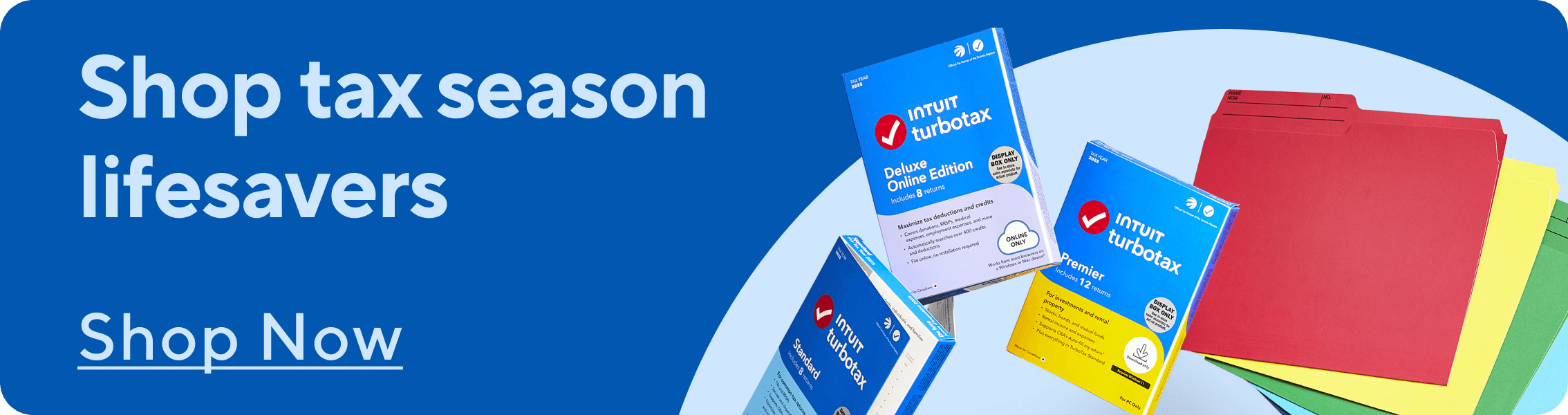
The best income tax software is the one that best fits your financial situation. TurboTax and UFile are two of the popular choices for individuals and businesses to file their taxes. They provide guide tax preparation and accuracy checks while you use your laptop. If you’re looking to dispose old business forms and documents, using a paper shredder helps you do it safely. We also offer shredding services can help you declutter old records.
How does tax software work?
Tax software helps guide users through their tax return digitally, either by asking questions or by digital forms to collect information. It collects personal information, income and deductions based on what you enter. Tax software uses secure connections like with the CRA's Auto-fill My Return service to pre-fill info or NETFILE to file your tax return electronically. Tax software helps reduce manual errors in calculations, makes the process more efficient and can help find credits or deductions you may have missed. Keep your tax documents organized with storage solutions like bankers boxes, file sorters and expanding files.
What’s the difference between online tax software and a downloadable version?
Is TurboTax the same as UFile?
No, TurboTax and UFile are not the same. They are two different software programs that offer different features, pricing and experiences. UFile is owned by Thomson Reuters, while TurboTax is by Intuit. They are both capable of handling simple and complex tax filings. TurboTax is generally seen as more intuitive and detailed than UFile for guiding users. If you’re looking for other kinds of financial software, we have accounting software that can help keep everything in order.
How many tax returns can I file with one tax software licence?
The amount of tax returns you can file with one tax software licence can vary depending on the kind of software you’re using. Always check your software’s terms to make sure you know how many you’re able to file. You can purchase tax filing software with 4, 8, 12 or 20 tax returns. Make sure you have the right MacBook, windows laptop or desktop PC that’s capable or running your tax software. If you need to organize paper tax forms, using a label maker can help categorize files, while writing supplies like highlighters and pens are useful for marking key information.