
Explore the latest iPads & tablets
Stay connected with tablets from Apple, Samsung, Lenovo, and Microsoft.





FAQ
Which tablet brand is best?
Choosing the best tablet brand depends on your specific needs:
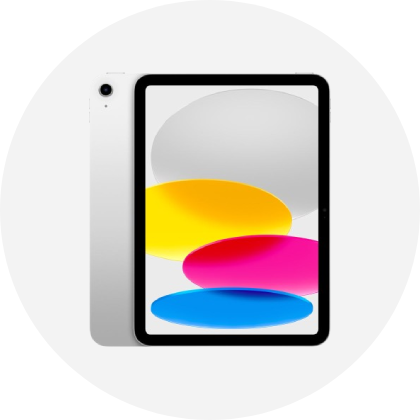
Apple: Known for iPads with powerful performance, great display quality, and a wide range of apps. They also offer accessories like the Apple Pencil for precise input and smart keyboards for typing.
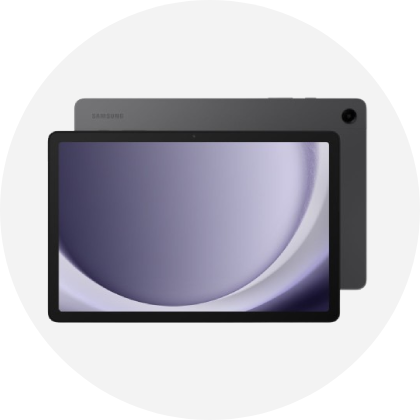
Samsung: Offers tablets like the Galaxy Tab series, known for their vibrant displays and integration with Samsung ecosystem. They also have options like the Samsung Galaxy Book, a 2-in-1 laptop/tablet with detachable keyboard and S Pen stylus for versatility.
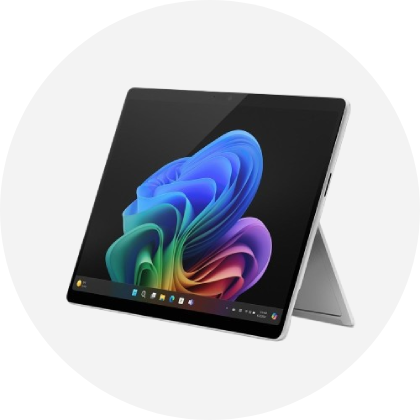
Microsoft: Known for Surface tablets and Surface Book laptops that can function as tablets. These devices run full Windows OS, support detachable keyboards for productivity, and Surface Pen for drawing and note-taking.
Choosing between them depends on whether you prefer iOS, Android, or Windows, and how you plan to use the device—whether for media consumption, productivity, or creative work. Tablet Accessories like keyboards and stylus pens enhance usability, turning tablets into versatile tools for various tasks.
Which is better, an iPad or a tablet?
When choosing between an iPad and a tablet, consider your specific needs:
iPad: Offers smooth performance, quality apps, and seamless integration with other Apple devices like iPhones and MacBooks. Ideal if you're already part of the Apple ecosystem.
Tablet (Android or Windows): Provides a broader range of options from manufacturers like Samsung, Lenovo, and Microsoft. These tablets run Android or Windows OS, offering more customization and app choices.
For more versatility, you can opt for a 2-in-1 laptops that combine the functionality of a laptop and a tablet. They typically feature detachable keyboards and support stylus pens, making them suitable for both productivity and creative tasks.
Does a tablet need a SIM card?
No, a tablet doesn't need a SIM card to function. Tablets come in Wi-Fi only or Wi-Fi + Cellular versions. Wi-Fi only tablets use Wi-Fi networks for internet access, while Wi-Fi + Cellular tablets can use a SIM card for mobile data, like smartphones. Browse Bell Mobility wireless plans, providing mobile data connectivity where Wi-Fi isn't available. Whether you need a SIM card depends on whether you require mobile internet access on your tablet.
Can you print from a tablet?
Yes, you can print from a tablet. Many tablets support wireless printing to compatible printers. You can connect your tablet and printer to the same Wi-Fi network and use apps or built-in features to send documents, photos, or emails directly to the printer. Just make sure your printer has enough ink and copy paper for the printing job you want to do.
How long does an iPad last?
An iPad typically lasts for several years with regular use and proper care. Apple designs iPads to be durable and reliable, offering software updates for several years after release. For additional protection, we offer an extended warranty option that can further safeguard your device against unexpected issues beyond the standard warranty period.